Browser Customization
Maxthon Personal Settings
Optimize Your Browser for Your Preferences

Maxthon's Personal Settings feature allows you to customize your browser to suit your individual preferences and needs. Adjust a wide range of settings including privacy, security, and performance options to create a personalized browsing experience. Whether you want to manage your bookmarks, configure your home page, or set up synchronization across devices, Personal Settings provides the flexibility to make your browser work the way you want. Explore the settings to enhance your online experience, ensuring that your browser is tailored just for you.

The settings menu in Maxthon is incredibly intuitive. It's easy to customize my browsing experience.
Jan 2021

I appreciate how detailed the settings are. I can tweak everything to suit my needs.
Aug 2021

The settings interface is clean and user-friendly. It makes it easy to manage all my preferences.
Dec 2022

I love the customization options available in the settings. It's great for power users.
Mar 2023

Maxthon's settings menu is comprehensive and easy to navigate. I can quickly find and change what I need.
May 2024
You can access the settings menu by clicking on the menu button at the top right corner of the browser and selecting 'Settings'.
Yes, Maxthon allows you to customize a wide range of settings including appearance, privacy, security, and more.
To change your default search engine, go to Settings > Search Engine and select your preferred search engine from the list.
Yes, you can manage your extensions by going to Settings > Extensions. From there, you can enable, disable, or remove extensions.
To reset your browser settings to default, go to Settings > Advanced > Reset settings, and click 'Reset'.
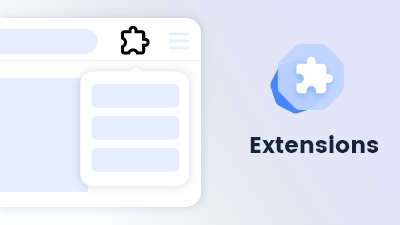
Customize and extend your browsing experience to meet your specific needs and preferences.
Learn more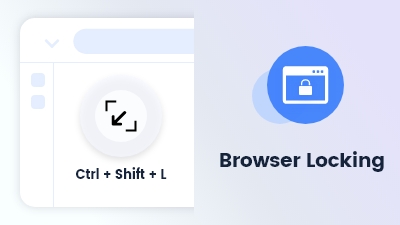
Browser Locking use the shortcut Ctrl + Shift + L to lock your browser screen by password
Learn more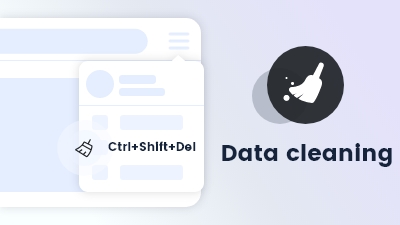
Data cleaning enables automatic removal of browsing history and cookies upon exiting the browser.
Learn more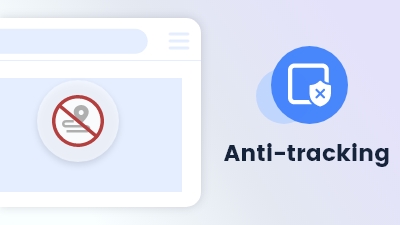
Maxthon browser's Anti-tracking feature blocks trackers and protects your online activity from being monitored.
Learn more