Floating Video Player
Watch Videos While You Browse
Enjoy Videos in a Floating Window
Maxthon Browser's Video Popup feature allows you to watch videos in a floating window while you continue browsing. This feature ensures that your video content stays visible and accessible, enabling you to multitask without missing any important moments. Perfect for tutorials, entertainment, or any video content, the Video Popup enhances your viewing experience by allowing you to keep videos always in view. Enjoy seamless multitasking with Maxthon's Video Popup, making your browsing and viewing more convenient and efficient.

The video popup feature is amazing! I can watch videos while working on other tasks. Super convenient.
Apr 2021

I love using the video popup to keep videos playing in the corner of my screen. It’s perfect for multitasking.
Sep 2021

Great feature! It’s very useful for watching tutorials and taking notes at the same time.
Feb 2022

The video popup is a game-changer. It’s easy to use and works flawlessly with all video sites.
Jul 2023

Being able to pop out videos and keep them on top is incredibly handy. Highly recommend this feature!
May 2024
The video popup feature in Maxthon allows you to pop out videos into a small, resizable window that stays on top of other windows, enabling you to watch while multitasking.
To use the video popup feature, click on the video popup icon that appears on videos. The video will pop out into a separate, resizable window.
Yes, you can move and resize the video popup window to fit your needs. It remains on top of other windows for continuous viewing.
The video popup feature works with most video websites. However, some sites may have restrictions that prevent this functionality.
The video popup feature is primarily available on the desktop version of Maxthon. Mobile users can use the native picture-in-picture functionality of their device.
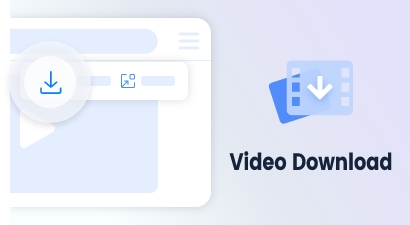
Accessible via a button on the video float bar, supports direct downloads for most videos.
Learn more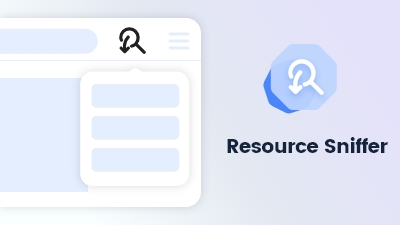
Maxthon's Resource Sniffer tool detects and allows easy downloading of media files and resources from web pages.
Learn more
Maxthon's Snap Screen feature enables capturing specific regions or saving entire webpages with ease.
Learn more