Media Download Tool
Maxthon Resource Sniffer
Find and Download Web Media Effortlessly

Maxthon Browser's Resource Sniffer tool detects and allows easy downloading of media files and resources from web pages. This feature makes it simple to identify and save various types of content, such as videos, images, and audio files, directly from the web. Whether you're gathering media for a project or saving resources for offline use, Resource Sniffer provides a convenient and efficient solution. Enhance your browsing experience with Maxthon's Resource Sniffer, ensuring you can effortlessly capture and download the web content you need.

Resource Sniffer is fantastic for finding and downloading media files. It’s very easy to use and efficient.
Jan 2021

I love how Resource Sniffer detects all the media files on a page. Makes downloading videos and images a breeze!
Sep 2021

Great tool for grabbing media content. It works seamlessly and saves me a lot of time.
Mar 2022

Resource Sniffer makes it super easy to download embedded videos and images. Highly recommend it!
Jul 2023

This feature is a game-changer for content collection. It quickly detects all resources on a page.
May 2024
Resource Sniffer is a tool in Maxthon that detects and allows easy downloading of media files and resources from web pages.
To use Resource Sniffer, click the Resource Sniffer icon in the toolbar while browsing a page. It will list all detectable media files which you can then download.
Resource Sniffer can detect most types of media files including videos, images, and audio files. However, some encrypted or dynamically loaded content may not be detected.
Yes, Resource Sniffer is available on both the mobile and desktop versions of Maxthon.
Yes, Resource Sniffer is a free feature included with Maxthon browser.
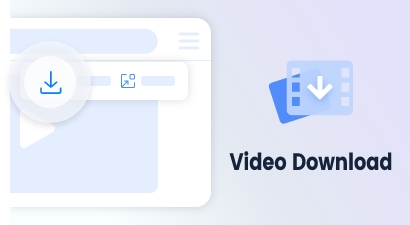
Accessible via a button on the video float bar, supports direct downloads for most videos.
Learn more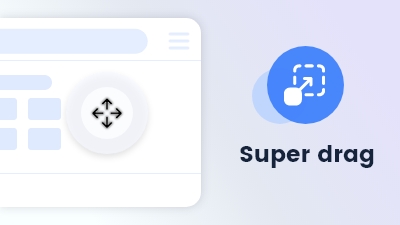
Effortlessly navigate or search by dragging keywords or links or files anywhere on the page.
Learn more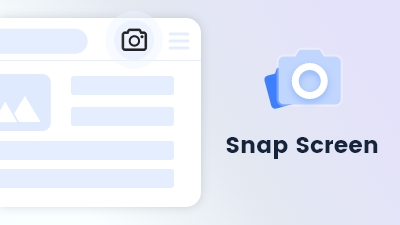
Maxthon's Snap Screen feature enables capturing specific regions or saving entire webpages with ease.
Learn more