Pin the Window
Keep Important Windows Always Visible
Pin Windows for Easy Access

Maxthon Browser's Pin the Window feature allows you to keep important window always visible by pinning them. This ensures that your current window remain easily accessible, even when you have multiple windows open. Perfect for multitasking and staying organized, Pin the Window helps you manage your workflow efficiently by keeping essential information right in front of you. The default shortcut for this feature is Ctrl + Alt + P, and it can be customized to fit your preferences. Experience improved productivity and convenience with Maxthon's Pin the Window feature, ensuring that you never lose track of your important tabs.

Pin the Window is so helpful for multitasking. I can keep important tabs visible while working on other things.
Mar 2021

The Ctrl+Alt+P shortcut to pin windows is super convenient. Love this feature!
Nov 2021

Pinning windows keeps my workspace organized and efficient. A must-have for productivity.
Jun 2022

Great feature! It allows me to pin important tabs without losing track of them.
Sep 2023

Using Pin the Window has made managing multiple tasks so much easier. Highly recommend!
May 2024
Pin the Window allows you to keep a specific browser window always on top, making multitasking easier.
To pin a window, use the default shortcut Ctrl+Alt+P. You can customize this shortcut in the settings menu.
Yes, you can customize the shortcut for Pin the Window in the settings menu Shotcut.
Yes, Pin the Window is available on both the mobile and desktop versions of Maxthon.
No, Pin the Window is designed to be lightweight and should not affect the performance of your browser.
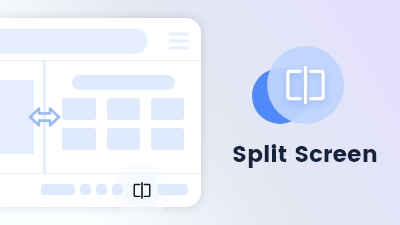
Split screen divides your view, enabling simultaneous browsing of multiple sites for efficient multitasking.
Learn more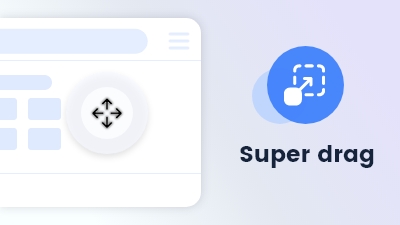
Effortlessly navigate or search by dragging keywords or links or files anywhere on the page.
Learn more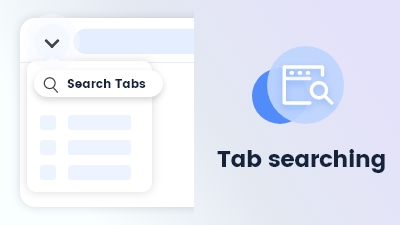
Tab searching quickly locates open tabs, streamlining navigation and management in Maxthon Browser.
Learn more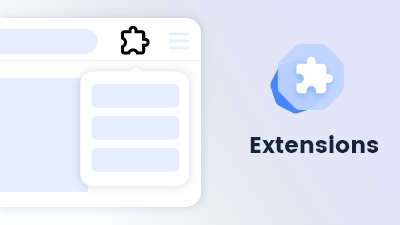
Customize and extend your browsing experience to meet your specific needs and preferences.
Learn more