Password Security
Maxthon Passkeeper
Safeguard Your Credentials Effortlessly

Maxthon Passkeeper is an advanced password management tool designed to safeguard your credentials with ease. It securely stores your passwords, making them accessible only to you. With Passkeeper, you can generate strong passwords, autofill login details, and organize your credentials efficiently. This feature ensures that your sensitive information is protected from unauthorized access, enhancing your online security. Experience the convenience and peace of mind that comes with using Maxthon Passkeeper, knowing that your passwords are securely managed and easily accessible whenever you need them.

Passkeeper is a lifesaver! It securely stores all my passwords and autofills them when needed.
Jan 2021

I love how Passkeeper manages my login details effortlessly. It's secure and easy to use.
May 2022

Passkeeper's autosave function is very convenient. I never have to worry about forgetting passwords.
Feb 2023

Managing my passwords has never been easier. Passkeeper's encryption gives me peace of mind.
May 2024
Passkeeper is a password management tool integrated into Maxthon. It saves your login details and autofills them when you revisit sites.
You can access Passkeeper by clicking the Passkeeper icon at the top right corner of the browser or on a new tab page.
Yes, all contents in Passkeeper are encrypted before being sent to the server, ensuring your data remains secure.
Yes, you can manually add login details in the Accounts section of Passkeeper, which requires a high level of encryption.
Private Notes allow users to save any information that is private and requires high-level encryption. Accessing this section requires logging in with your Maxthon password.
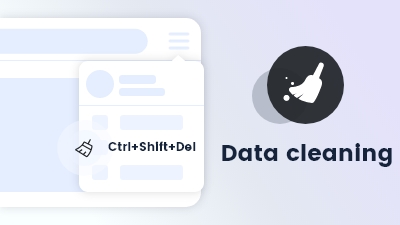
Data cleaning enables automatic removal of browsing history and cookies upon exiting the browser.
Learn more
Maxthon browser's Anti-tracking feature blocks trackers and protects your online activity from being monitored.
Learn more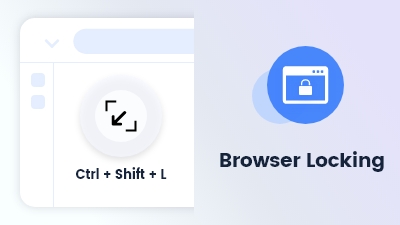
Browser Locking use the shortcut Ctrl + Shift + L to lock your browser screen by password
Learn more
Customize and extend your browsing experience to meet your specific needs and preferences.
Learn more