Mouse Gesture
Navigate with Ease
Perform Actions with Simple Mouse Movements
Maxthon Browser's Mouse Gesture feature allows you to navigate your browser with ease using simple mouse movements. This intuitive feature lets you perform common actions, such as opening and closing tabs, navigating forward and backward, and refreshing pages, all with customizable gestures. Mouse Gestures enhance your browsing efficiency by providing a quick and seamless way to control your browser, making it more intuitive and user-friendly. Experience a new level of convenience and productivity with Maxthon's Mouse Gesture feature.

The mouse gesture feature in Maxthon is incredibly efficient. It makes navigation so much faster and smoother.
Feb 2021

I love using mouse gestures for quick commands. It’s a huge time-saver and very intuitive.
Nov 2021

Great feature! It took a little time to get used to, but now I can't browse without it.
Jun 2022

Mouse gestures are a game-changer for efficiency. They make multitasking much easier.
Mar 2023

The customization options for mouse gestures are fantastic. I’ve set up all my favorite shortcuts.
May 2024
Mouse gestures are quick mouse movements that you can use to perform various actions in Maxthon, such as opening a new tab or going back to the previous page.
To enable mouse gestures, go to the settings menu, navigate to the Features page, and toggle the mouse gestures option on.
Yes, you can customize the mouse gestures to perform different actions based on your preferences. Go to the mouse gesture settings to set up your preferred gestures.
No, mouse gestures are currently only available on the desktop version of Maxthon.
Common mouse gestures include drawing an 'L' shape to close a tab, drawing a 'U' shape to reopen a closed tab, and drawing a horizontal line to navigate back or forward.
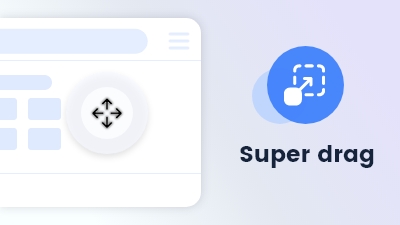
Effortlessly navigate or search by dragging keywords or links or files anywhere on the page.
Learn more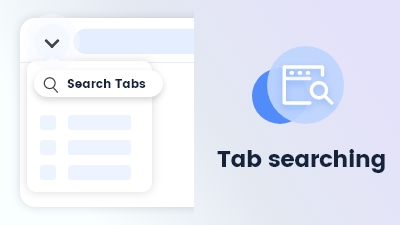
Tab searching quickly locates open tabs, streamlining navigation and management in Maxthon Browser.
Learn more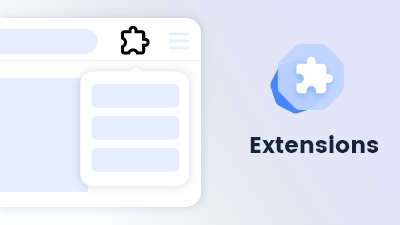
Customize and extend your browsing experience to meet your specific needs and preferences.
Learn more
Split screen divides your view, enabling simultaneous browsing of multiple sites for efficient multitasking.
Learn more