Incognito Mode
Enhanced Privacy with Incognito Browsing
Browse the web anonymously with Maxthon Browser's Incognito Mode. Enjoy enhanced privacy with no tracking, no history, and no cookies.

Maxthon Browser offers a robust Incognito Mode, providing you with the ability to browse the internet without leaving any trace. When you activate Incognito Mode, your browsing history, cookies, and site data are not saved, ensuring that your online activities remain private and secure. This feature is particularly useful for accessing sensitive information or when using shared devices. By preventing the storage of personal data, Incognito Mode protects you from tracking and enhances your privacy. Enjoy a safe and secure browsing experience with Maxthon's Incognito Mode, knowing that your online footprint is effectively erased after each session.

The incognito mode in Maxthon is great for private browsing. No history or cookies are saved, which is perfect.
Feb 2021

I use incognito mode frequently for sensitive searches. It gives me peace of mind knowing my activity isn't tracked.
Nov 2021

Incognito mode is very useful. It’s easy to switch to and keeps my browsing private.
May 2022

A must-have feature for privacy-conscious users. I love how no data is stored during my sessions.
Jul 2023

Maxthon's incognito mode works perfectly. It’s my go-to for any private browsing needs.
May 2024
Incognito mode allows you to browse the internet without saving any history, cookies, or cached data. It ensures your browsing activity remains private.
To enable incognito mode, click on the menu button and select 'New Incognito Window'. You can also use the shortcut Ctrl+Shift+N.
Incognito mode prevents data from being stored on your device, but websites can still track you through your IP address. Using a VPN in combination with incognito mode can enhance privacy.
Extensions are disabled by default in incognito mode, but you can enable specific extensions by allowing them to run in incognito mode through the extensions settings.
Yes, incognito mode is available on both the mobile and desktop versions of Maxthon.
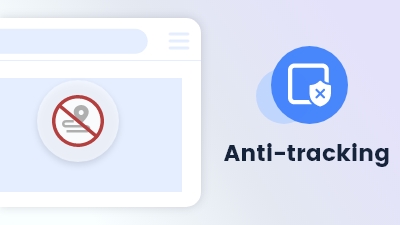
Maxthon browser's Anti-tracking feature blocks trackers and protects your online activity from being monitored.
Learn more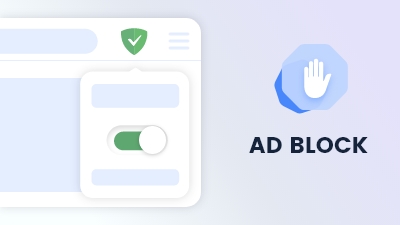
Maxthon browser offers seamless ad-blocking functionality across both its mobile and desktop versions.
Learn more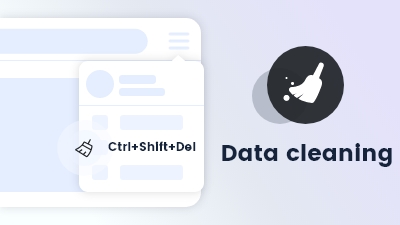
Data cleaning enables automatic removal of browsing history and cookies upon exiting the browser.
Learn more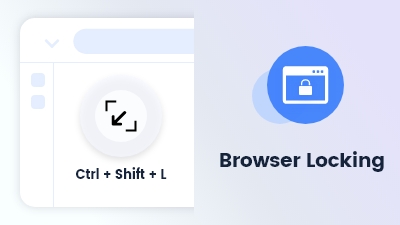
Browser Locking use the shortcut Ctrl + Shift + L to lock your browser screen by password
Learn more